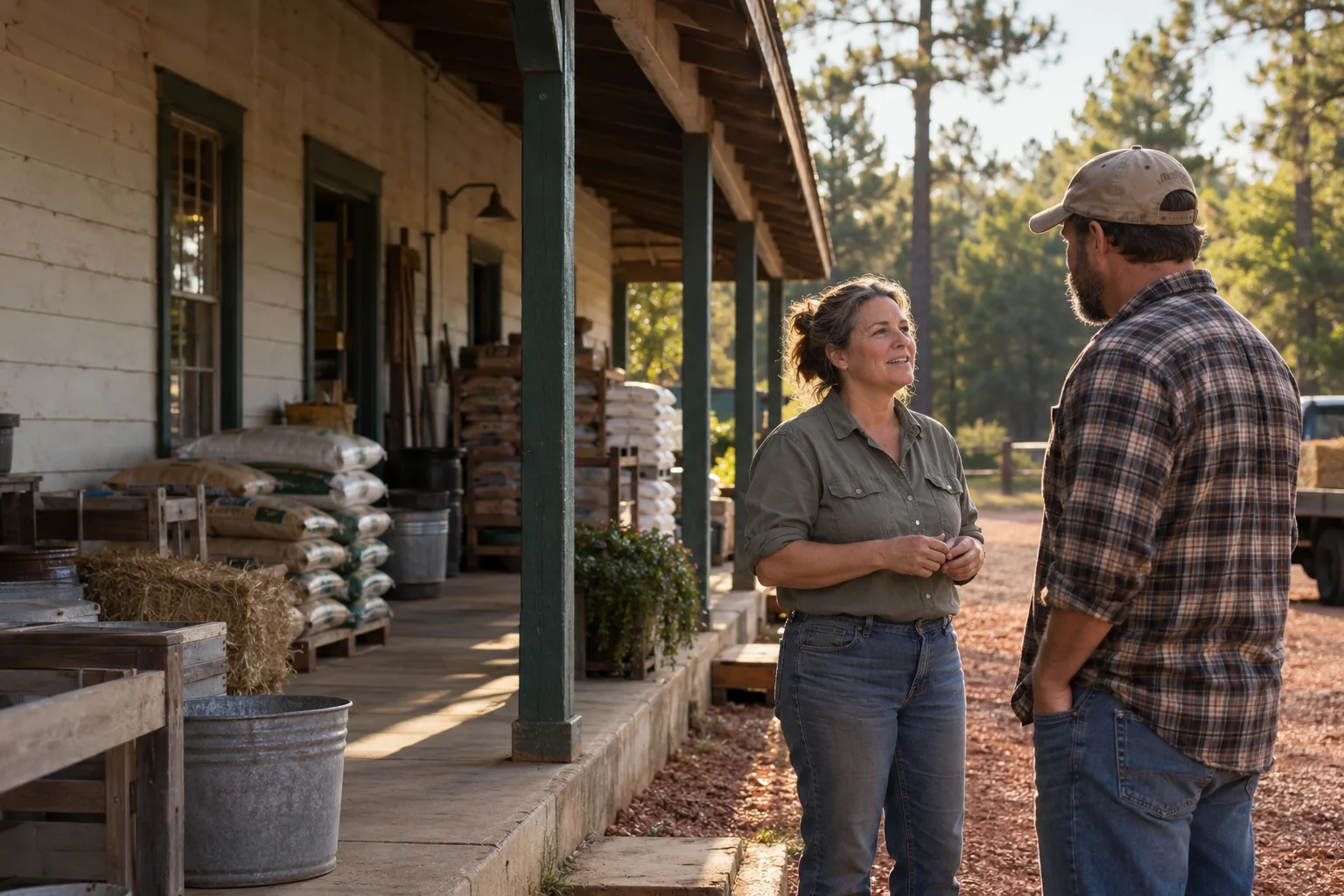
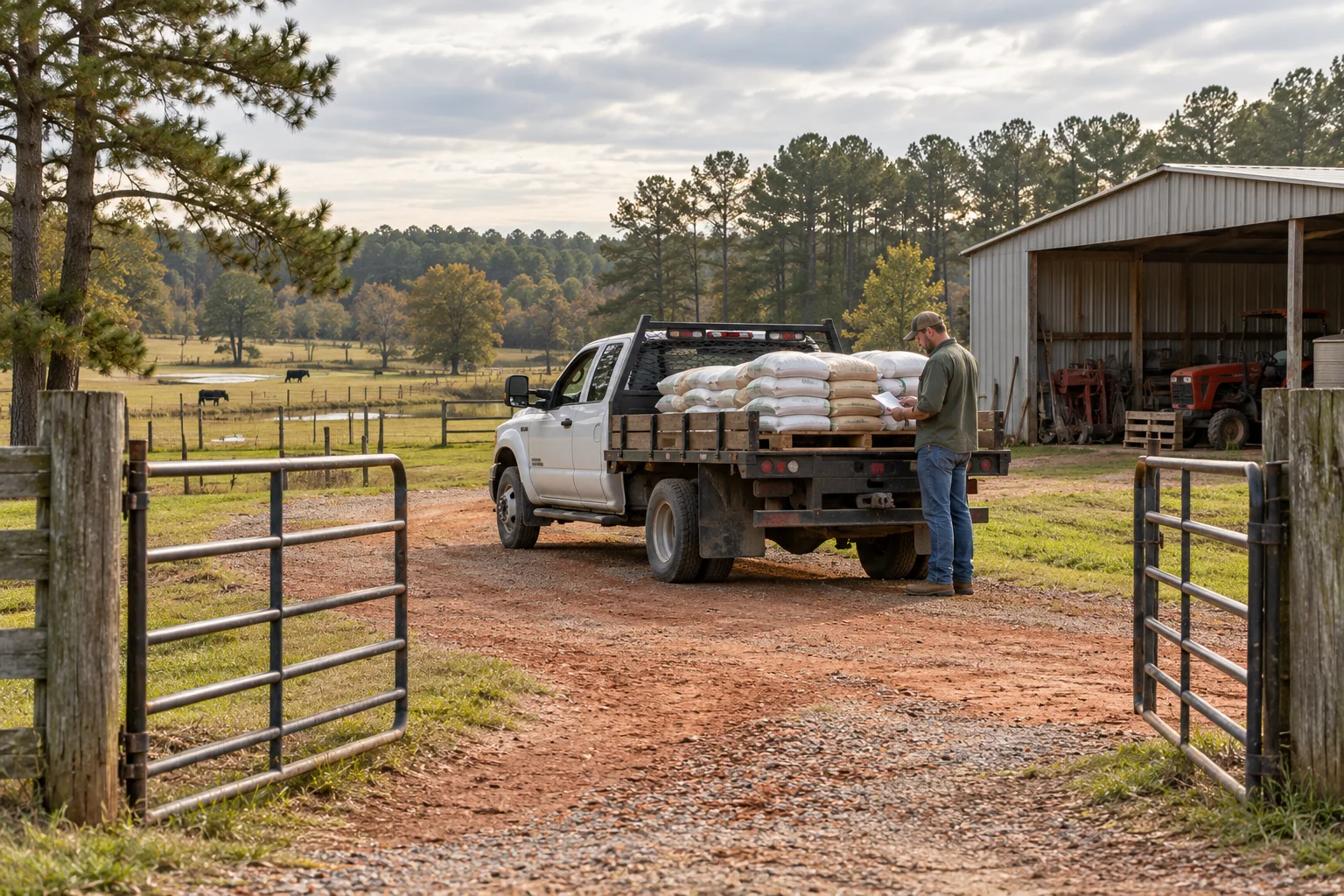
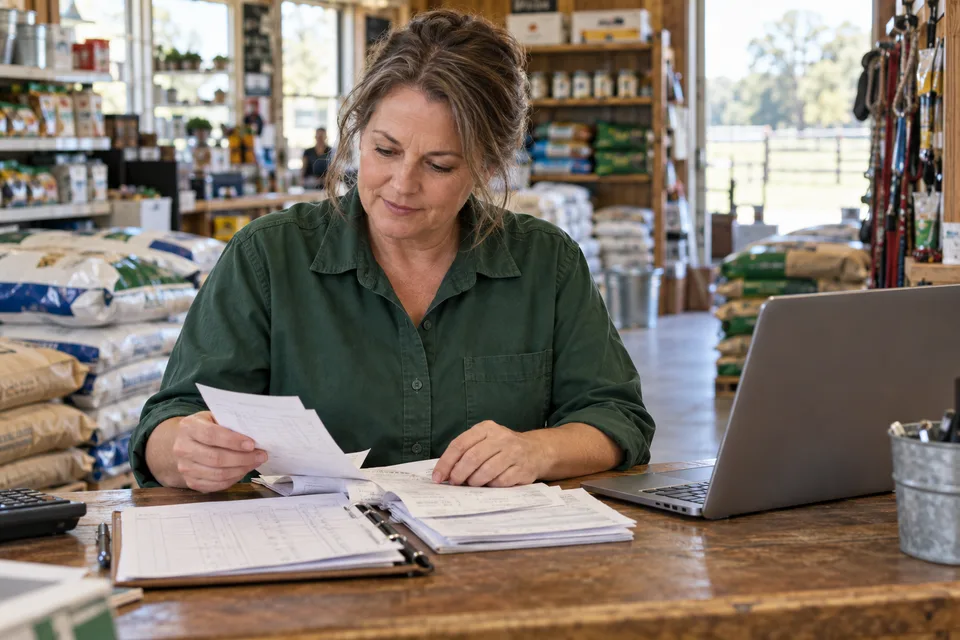
Illustrative scene of a store owner talking with a customer outside a rural feed store. Generated, not a customer photograph.

Dirt Road CRM

Customer management for feed & farm stores.

Keep account details where the next employee can find them. CRM is customer relationship management: a shared place for the account and the work that goes with it.

Talk About Your Store

One account.
The details behind it.

The person picking up feed may not be the person paying the bill. And the address on that bill may be nowhere near the delivery gate.

Charge accounts without rebuilding the paperwork.

The terms agreed at the counter need to make it all the way to the statement.

Some customers pay on net terms. Others settle after harvest. Record the agreement on the account, including its credit limit, so the office has something firmer than “I think that's what we told them.”

Consolidated statements bring the customer's open invoices together. Aging separates current balances from those at 30, 60 or 90-plus days. When someone calls about a bill, payment history stays with the account. Staff can see what was applied and what still needs attention.

At Cedar Branch, purchases for both properties can sit under the customer relationship without losing the detail behind each balance. Collection notes and assigned reminders give the next person handling the account a place to pick up.

The CRM holds the account rules. Dirt Road POS uses that shared record for credit checks and account holds. If you keep another register, we'll check how it exchanges account details and which rules it can apply at checkout.

Card and ACH options depend on the payment processor and setup. Saved payment methods and autopay need a supported connection and customer authorization. Processing charges are separate from CRM pricing.

Keep account documents with the account.

A certificate in a filing cabinet is easy to forget until somebody needs it. Keep the record and its dates where staff can find them.

Agricultural exemptions

Store the exemption number and state with a scanned certificate. Record whether it covers a single purchase or a broader period, along with its expiration date.

Expiration reminders give staff a reason to request an updated document before the old one runs out. Renewal history stays on the account, so replacing a file doesn't erase the trail.

VFD & restricted-use records

Keep Veterinary Feed Directive records with the veterinarian's details and effective dates. Restricted-use licenses have their own expiration dates and history. These records need more structure than a sentence buried in a general note.

Account reminders flag records that need attention before the next purchase. Staff can pull up the current document and review its dates with the customer.

CRM keeps the account's documents and renewal history together. Dirt Road POS checks the required records at checkout, giving staff the information they need to review the sale.

Start with CRM.
Keep what already works.

You can use Dirt Road CRM on its own. Replacing your register is a separate decision. Start with the account work you need to fix and check the connections around it.

Within Dirt Road's own products, CRM and POS share the customer record. That keeps an authorized buyer or updated billing address tied to the same account. A connection to another company's software needs its own review.

Bring a sample export. We'll start there.

An existing customer list is worth keeping. Before importing it, review the fields and decide how they map to the new account record. Check duplicate names, separate contacts from businesses, and reconcile opening balances.

Have an export from QuickBooks, Epicor Eagle or a Paladin-style system? We'll review the file against your account structure and identify what it contains. Software versions export different fields, so we check your data before mapping it into CRM.

We need to establish what transfers and what needs cleanup. Then decide which system owns each detail afterward. A reviewed import and an ongoing connection do different jobs. We'll be clear about which one your store needs.

A few practical questions.

The answers should make sense before you spend time sorting through an old customer export.

Talk through your setup
Do I need Dirt Road POS?

No. CRM is a standalone product. Keep your register if it works for you. We'll assess any connection you need, including whether account rules can reach that register.

What happens to my existing customer data?

Start with a sample export and a field review. Names alone don't reveal how your accounts are organized. Check contacts and property relationships, then review duplicates and opening balances before relying on the imported records.

Who can see sensitive account details?

Staff roles and permissions control access. Decide who needs financial records and who needs to maintain customer details, then configure access for their work. Don't assume everyone behind the counter should have an owner's permissions.

Can it work across multiple locations?

Yes. A workspace can include more than one store, with location-specific access. We'll review how your locations share customers and who should be allowed to view or change each part of the account.

Is CRM included in the website plans?

No. CRM pricing is separate from website pricing. Tell us about your account work and the systems you use so we can discuss the scope. Payment-processing charges are separate too.

Tell us which details keep getting lost.

Built in Georgia by people who love code and know the same dirt our customers do. You know the store. Let's talk about the account work you want the software to handle.