Purchasing takes another evening.
Build orders from stock levels and seasonal demand. Receive partial shipments without rebuilding the order.
Storehouse ERP
Know what's on hand and what's coming. Keep purchasing and stock connected to the products your staff sells, with room for the software you want to keep.
Talk About Your Store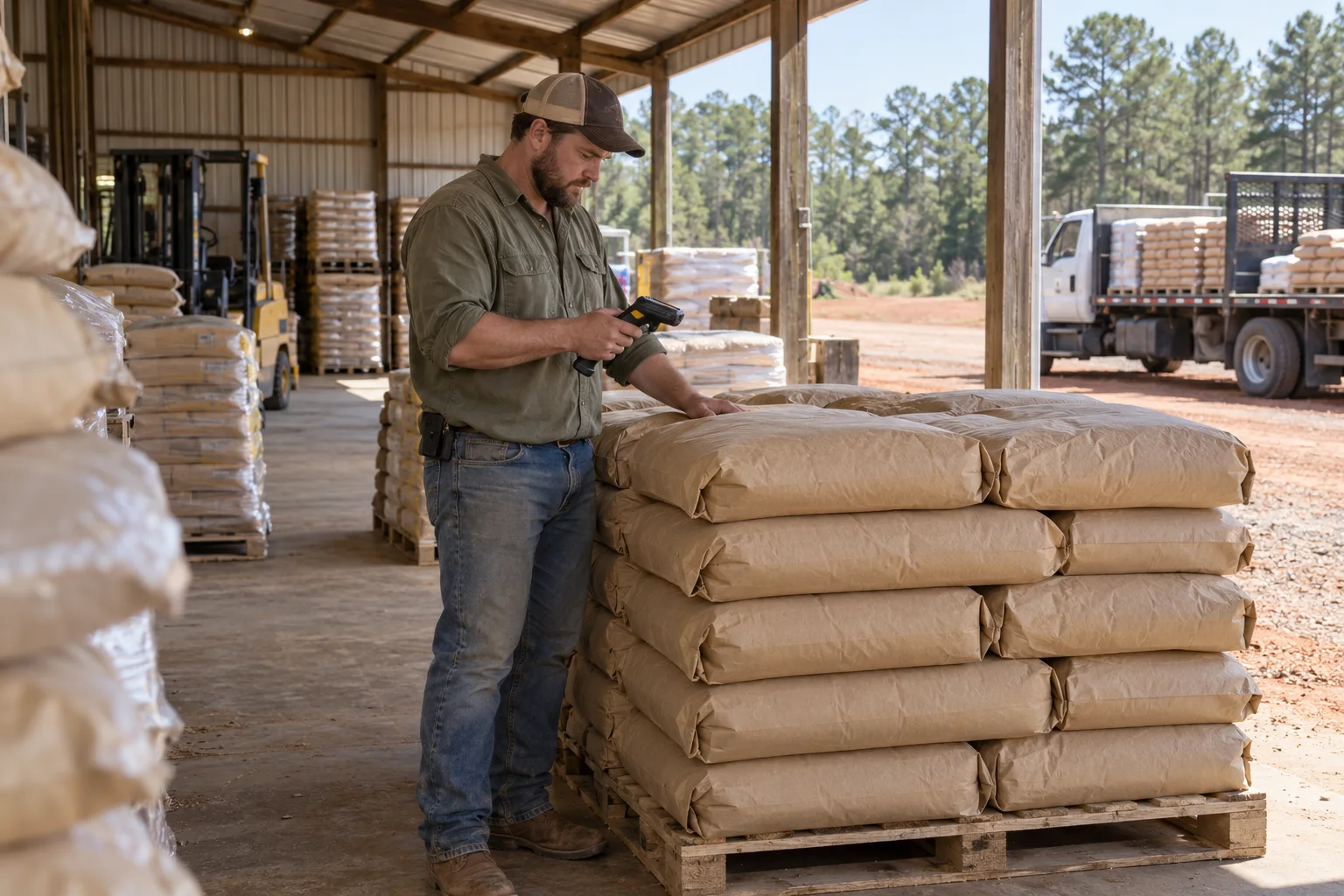
ERP stands for enterprise resource planning. For your store, Storehouse ERP is the software for managing the merchandise side of the business, from a supplier's price file to the stock in your yard.
Your register can keep doing its job. Add the backroom tools where you need them.
Build orders from stock levels and seasonal demand. Receive partial shipments without rebuilding the order.
See stock by location and manage transfers. Keep what's reserved separate from what's available to sell.
Review supplier changes against your margins before deciding which retail prices to update.
Send the financial result to your accounting software through a supported connection. Keep stock detail in the store's operating record.
Storehouse ERP and Crossroads POS use the same inventory record. Receiving adds to it. A sale draws it down. A pickup order sets stock aside without pretending it has already left the store.
Buy by the pallet and sell by the bag or ton. Purchase units and selling units stay attached to the same product.
Walk through this stock example. Each symbol represents 10 bags.
80 on hand
0 reserved
The day starts with 80 bags on hand. None are reserved.
Available Reserved Space for stock
Work with the vendors already supplying your store. Connect supported catalogs or bring in a price file from the local mill. Supplier item numbers map to your products, so a different vendor doesn't mean a second stock record.
Catalogs and cost updates come into Storehouse ERP. Review the changes against your local products.
Use min/max levels and seasonal plans to guide replenishment. Send orders through the supplier's supported connection.
Record the delivery and leave unfilled quantities open. Keep landed cost with the receipt, including vendor returns and credits.
A supplier cost increase shouldn't quietly change what your customers pay.
At the same $21.99 retail price
Example costs and gross margins. Storehouse ERP flags the change for review. You decide whether to change the price.
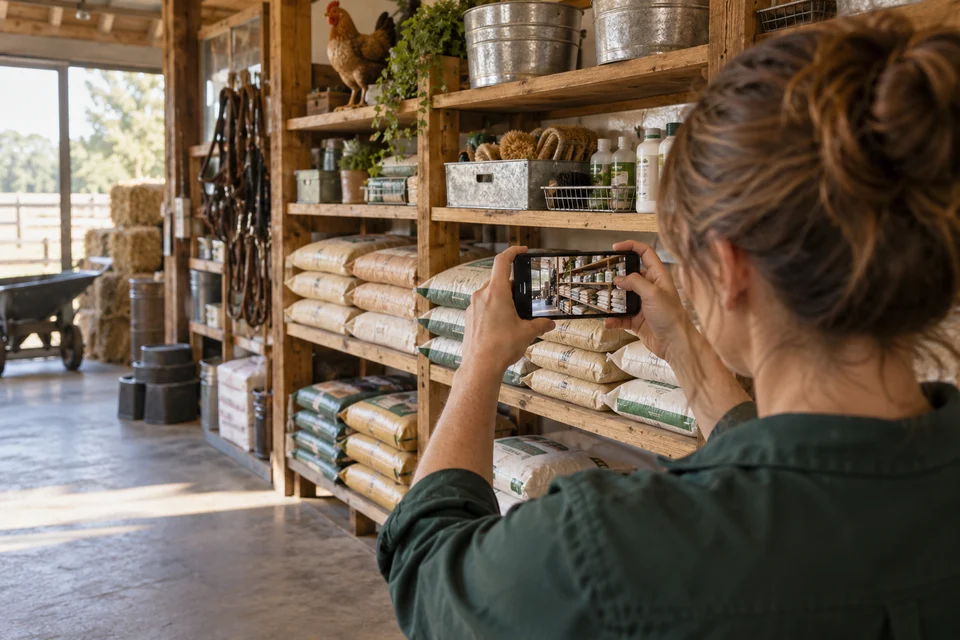
Track expiration dates and seed tags alongside stock. Counts and adjustments keep the record tied to what's on the shelf.
Feed blends and assemblies draw from their component stock, so the same grain doesn't get counted twice.
Manage quantity breaks and promotions with the product. Fencepost CRM holds the customer's pricing agreement; Crossroads POS records the price used on the sale.
A better backroom doesn't have to start with a new register. Tell us which software you want to keep. We'll establish what it can send and receive, and where each record is maintained.
Choose the arrangement that fits the store.
Bring the software names and versions, along with the equipment you want to keep. We'll work through the connection with you.
Talk Through Your SetupUse the Dirt Road products you need. When they work together, the counter and backroom use shared records. Your bookkeeper can keep the accounting package they prefer.
Products and purchasing.
Stock, cost and price books.
The sale and its payment.
Pickup and delivery orders.
The customer account.
Terms, receivables and history.
Supported accounting connections carry the financial result into your accounting package. We agree where invoices and customer balances are maintained, so the office isn't working from competing totals.
Start with the work you'd like to improve and the systems you want to keep.
Talk About Your StoreNo. Storehouse ERP can manage the merchandise side while you keep an existing register through a supported connection. We'll check how product information reaches the counter and how completed sales and returns get back to the stock record.
No. Crossroads POS includes item lookup, barcodes, units and availability, with stock updates for sales and returns. Storehouse ERP adds purchasing and the deeper tools for managing inventory. Seeing how many bags are available doesn't require another subscription.
No. Storehouse ERP manages merchandise operations and inventory value. Your accounting package holds the general ledger. We configure the supported connection around the way your bookkeeper wants activity posted.
Tell us who you buy from and how they send product information. Storehouse ERP supports standard electronic ordering and data connections, along with supported price-file formats. We'll confirm what can move between your supplier and your store.
We agree which records to bring over, then review product mappings and opening quantities with you. When Storehouse ERP takes over, we bring in the final changes and keep the old system's history available.
Storehouse ERP is scoped separately from website plans. Tell us about your locations and the merchandise work you need to manage. We'll discuss the setup and connections before quoting your store.
Built in Georgia for independent feed and farm stores. Tell us where the work gets tangled and what already works well.