A quote today. A pickup later.
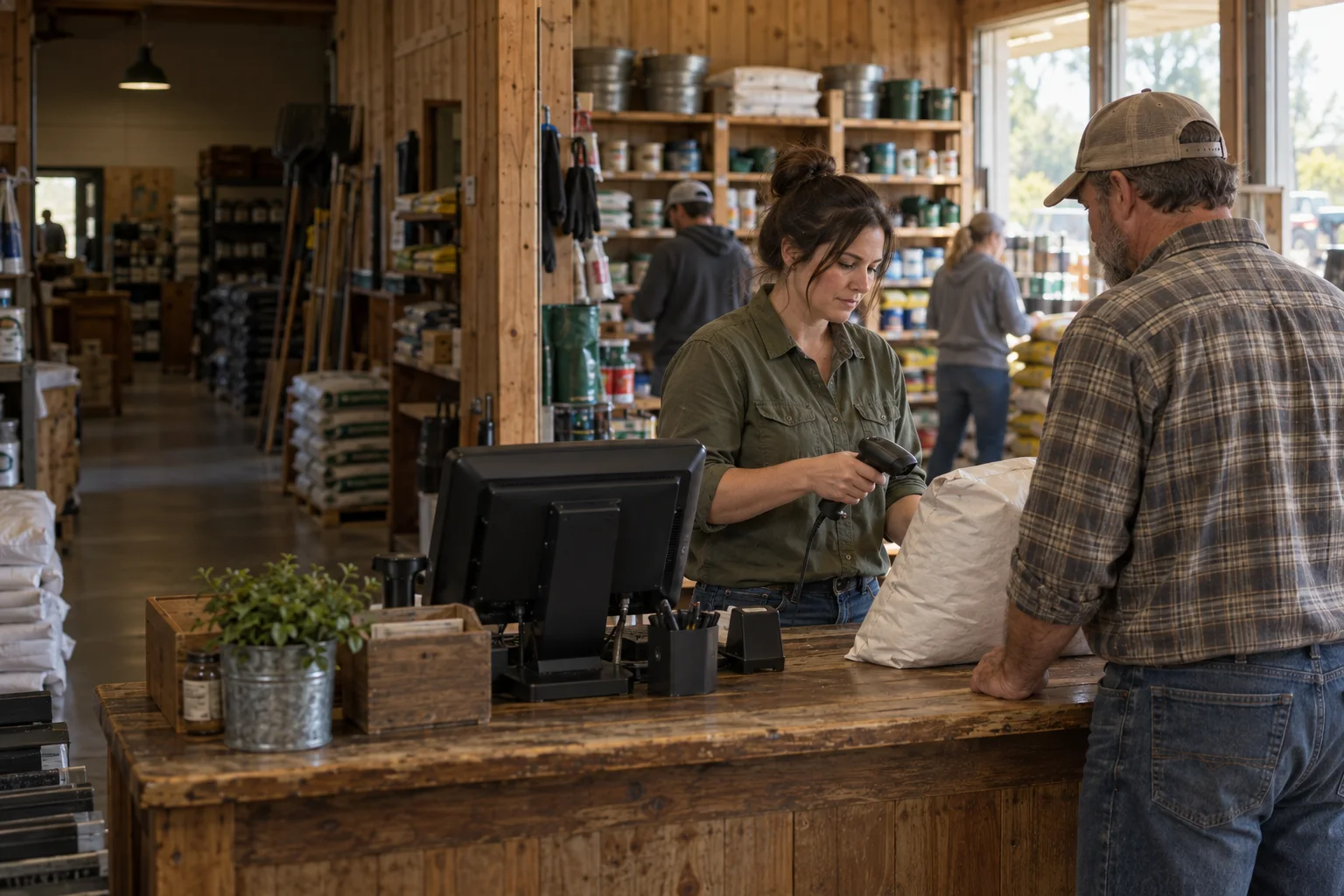
Keep quotes and will-calls in the register alongside regular sales. Take a deposit on a special order. Handle a return or exchange without losing the original transaction.
Crossroads POS
Point of sale for feed and farm stores. From a half-ton order to a farm charge account, Crossroads keeps the work moving. Even when the internet doesn't.
Talk About Your StoreWindows app. Built for offline.
An internet outage shouldn't close your register. Crossroads keeps the sale on your store's computer and syncs it when the connection returns.
Crossroads supports offline card processing with compatible processors. Your processor determines availability and approval rules.
When the connection returns, saved sales sync with the rest of the store.
Let's Talk About Your Register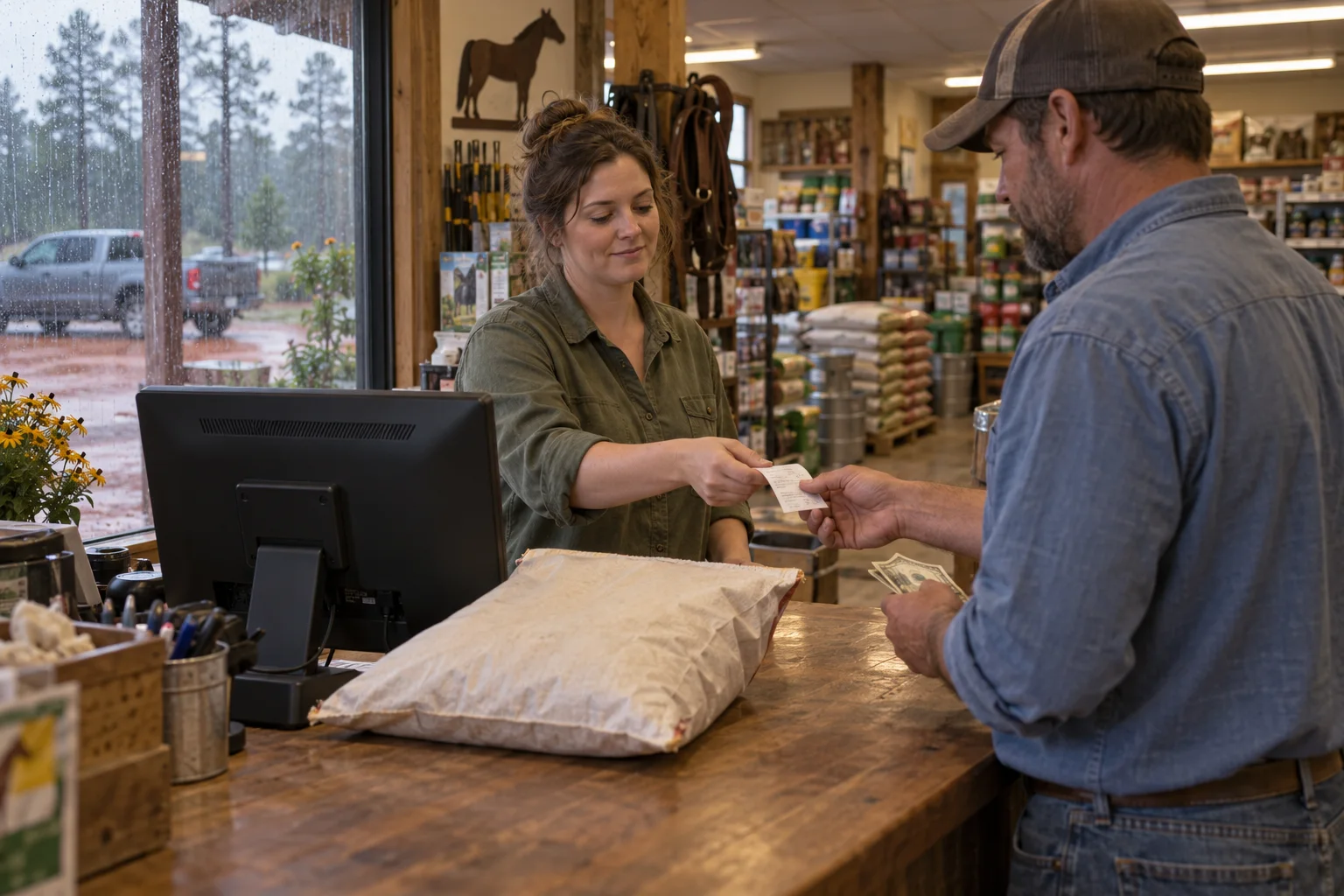
How offline selling works
Sales saved on this computer. Ready to sync when you're back online.
Scan the barcode or type part of the product name. Use the keyboard you know, a touch screen or a scanner. Use the Windows app at the counter, or run Crossroads POS in a browser. Both fit standard store hardware.
Keep quotes and will-calls in the register alongside regular sales. Take a deposit on a special order. Handle a return or exchange without losing the original transaction.
Take cash or check, use a card, or split the total between tenders. Account payments and ACH have a place here too. Cash-drawer controls and end-of-day reports keep each shift accountable.
Buy by the pallet. Stock by the 50-pound bag. Sell by the bag or ton. Set the units once and let the register handle the conversion, without creating a separate product for every way you sell it.
Bulk quantities go to four decimal places. A supported scale can pass the weight into the sale and keep the weight ticket with it.
Crossroads POS includes item lookup and stock availability, with inventory updates for sales and returns. Storehouse ERP adds the tools for managing the backroom.
Work through a load
Each bag weighs 50 lb. Choose a sale quantity.
1,000 lb sold
20bags deducted
60bags left in stock
Example quantities. 1 US ton = 2,000 lb.
A note in the office won't stop the wrong person charging feed. Crossroads POS and Fencepost CRM share the customer record, so staff can act on the account's rules during the sale.
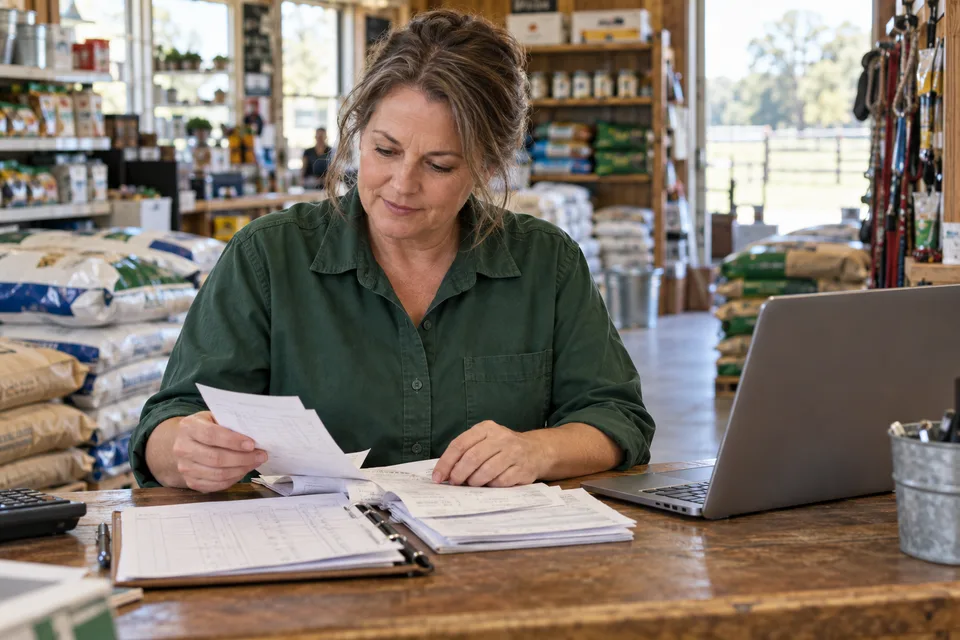
Check authorized buyers and enforce the account's credit limit. Require a purchase-order number or signature where the account calls for one. An account hold stops a charge; an approved manager exception leaves a record.
The charge posts to the receivable balance and carries into statements and aging. Customer-specific prices and quantity breaks apply at the counter.
Apply tax at the line-item level, using product tax classes and the customer's exemption record. Taxable merchandise can sit beside an eligible exempt item on the same sale. Certificate status and expiration come from Fencepost CRM.
Flag products that require a Veterinary Feed Directive or restricted-use license. The register checks the current record and can block a sale when required documents are missing or expired. Restricted-sale logs keep the transaction history available for review.
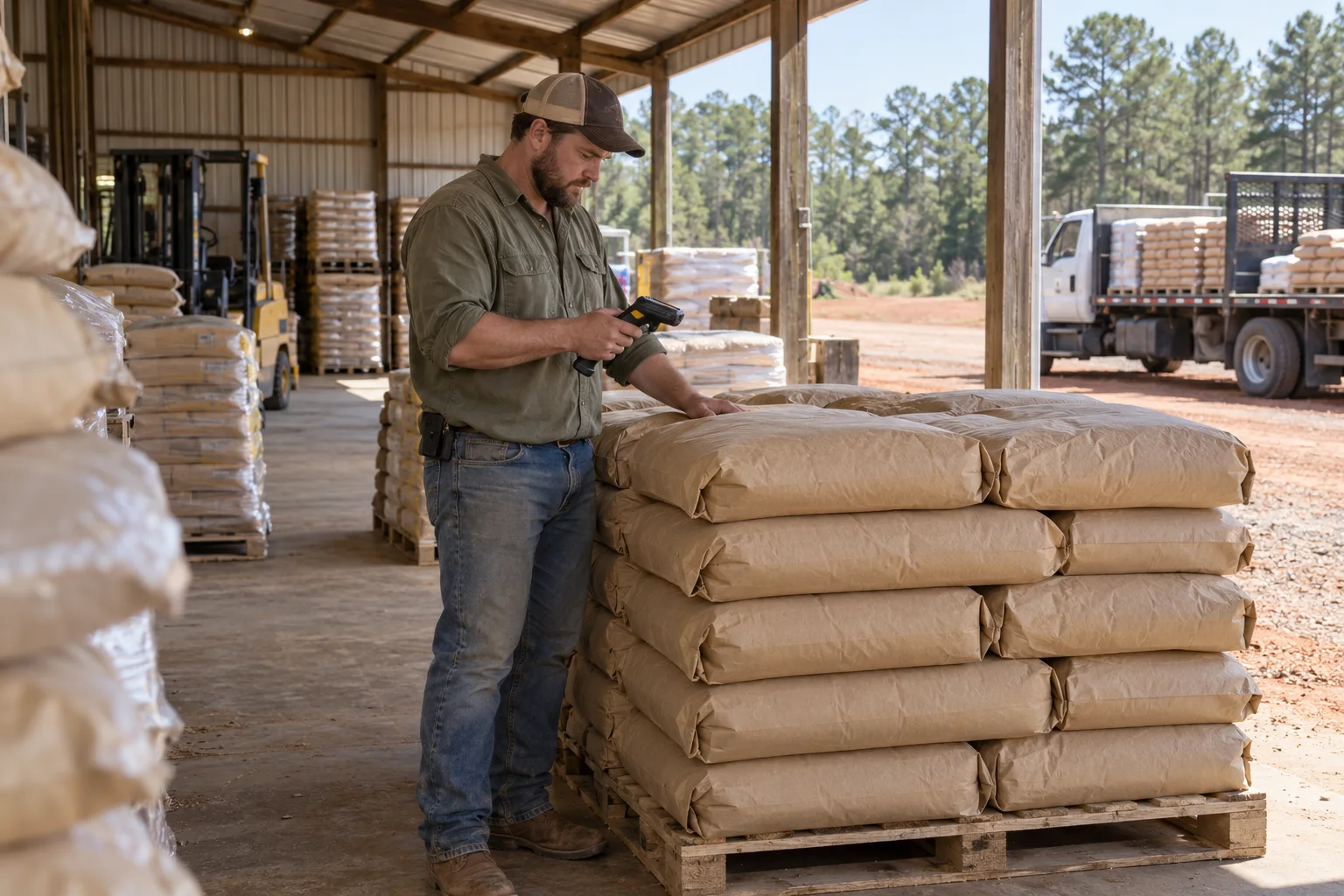
Crossroads POS gives the cashier the stock information needed to sell. Storehouse ERP adds purchasing and receiving, along with transfers and the tools to manage inventory across locations.
Both use the same inventory record. The receiving crew adds the load; the register sees the stock.
Explore Storehouse ERPSeasonal bookings keep the customer's commitment with the reserved quantity and program price. Record a deposit or prepayment, then draw down the balance and reserved stock as the customer picks up.
Eligible programs also accept online bookings and prepayment through the customer portal.
Program price.
Deposit recorded.
Stock reserved.
Each pickup updates the balance and quantity still reserved.
Ready for the season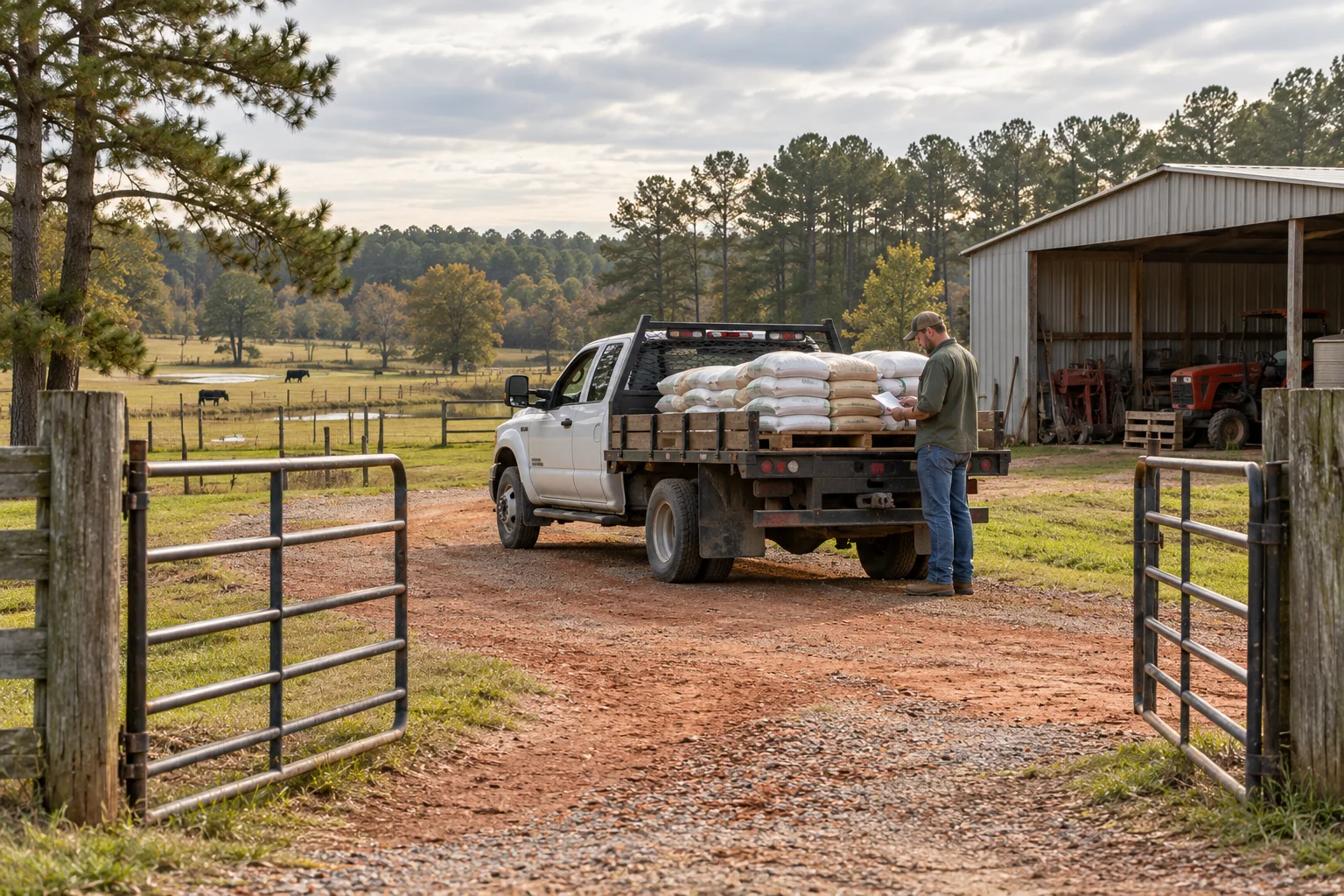
Mark a sale for delivery. Assign the truck and day, then give the yard a loading list. The driver app carries the stops out to the farm.
Record a photo or signature at the gate. Delivery status stays with the original sale, and text or email updates keep the customer informed.
The online store uses the counter's inventory and account data. Signed-in customers see their pricing, reorder for pickup or delivery, and pay their balance in the portal.
Explore Dirt Road WebsitesBring the hardware list and tell us how the store runs. We'll work through the setup with you.
Talk through your setupThe Windows app and browser register work on standard store hardware. We'll check your scanners and receipt printers, along with any scale or card terminal connections. Customer-facing displays and optional self-checkout are supported.
Yes. Dirt Road supports multiple processors. We'll confirm the connection and terminal setup for your store. Processing charges are separate, and your processor determines offline card handling.
Accounting workflows support QuickBooks Online, QuickBooks Desktop and Sage. Sales and payments can sync with receivables while POS remains the operating record. We'll review your software version and how your bookkeeper wants activity posted.
Crossroads POS reports on sales and gross margins. Storehouse ERP adds inventory valuation and stock-management views; Fencepost CRM holds receivables aging. The in-store assistant answers questions from the store data each employee is permitted to see.
Store loyalty and vendor frequent-buyer programs include rebate tracking. For cooperatives, the co-op feature pack adds member numbers and patronage accrual, with member equity and equity statements.
POS is priced separately from the website plans. Tell us about your locations and counter setup, including the connections you need, so we can discuss the right scope for your store.
Built in Georgia by people who love code and know the same dirt our customers do. Bring us the half-ton orders and the charge-account rules. That's the work this software is built for.